
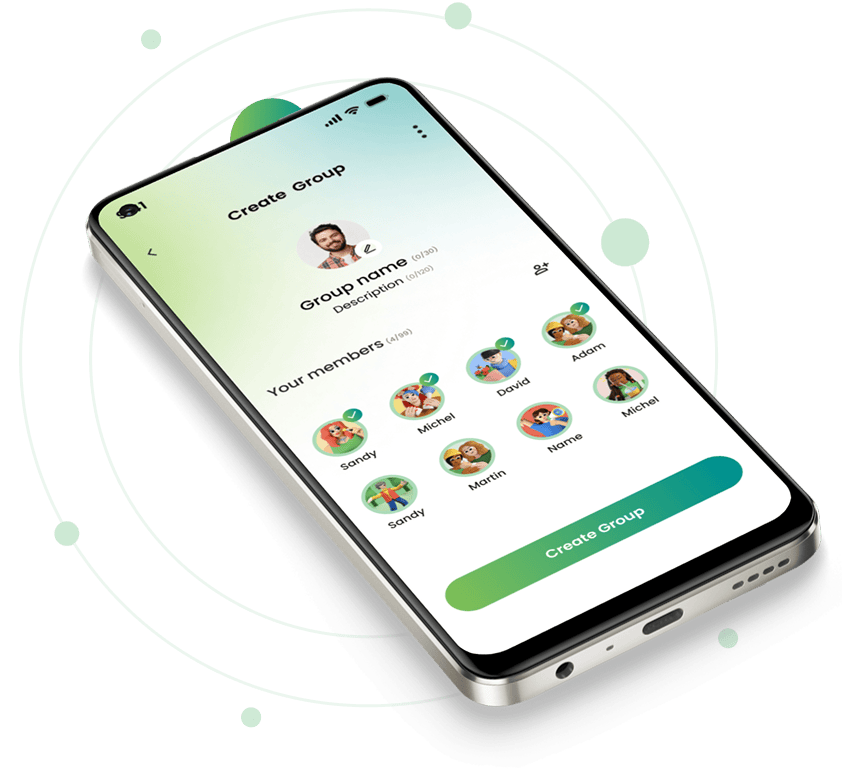
Simplify Groups and Shared Expenses
Create groups, track shared expenses, and stay updated — all in one secure platform.
Get StartedEasy & Secure Access
Easy and secure access with email OTP, social login or traditional login with email and password.
Email OTP
Quick, login without password
Social Login
Sign in with Google account.
Password Login
Traditional login with email and password
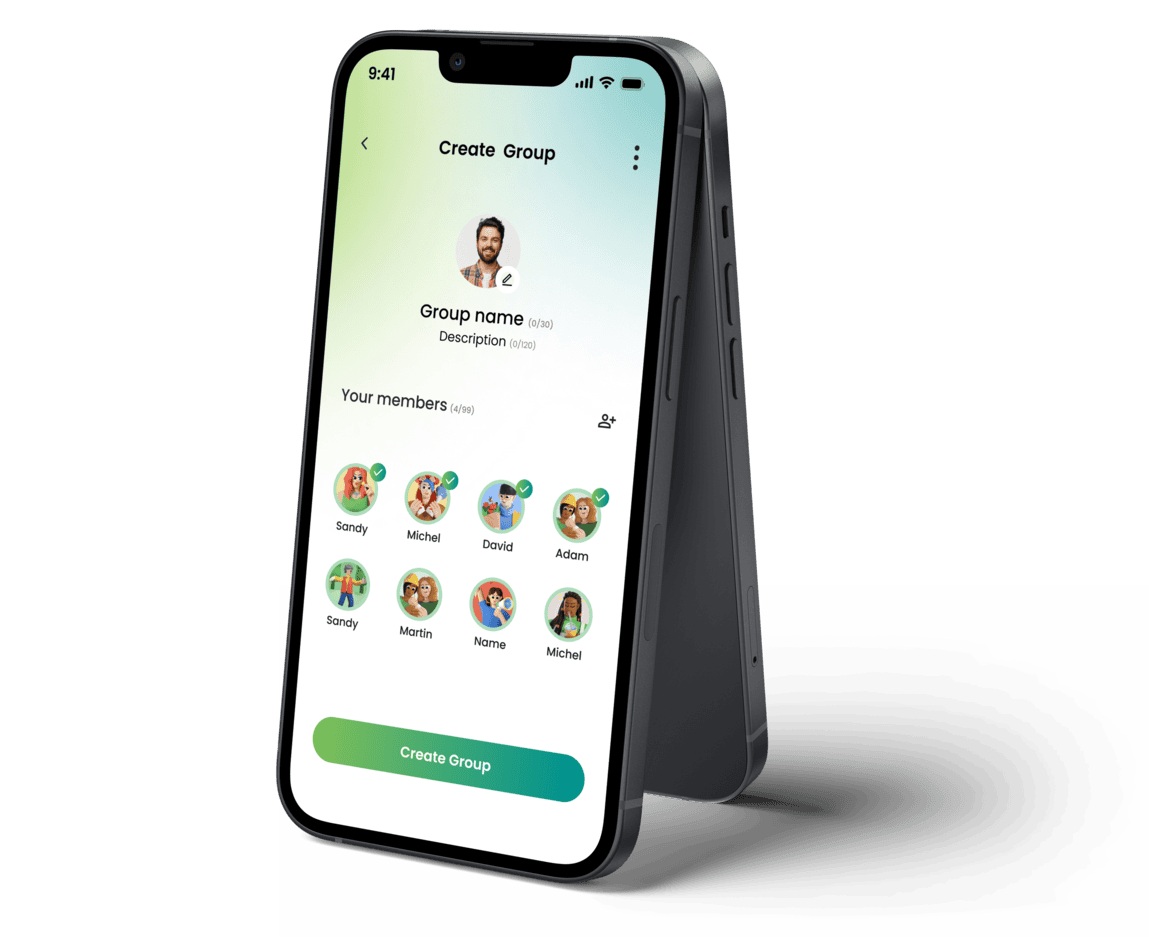
Smart Group Management
Create groups, add members, manage settings, and track group activities effortlessly.
Create & manage groups
Add/remove members
Disable/Enable Notifications
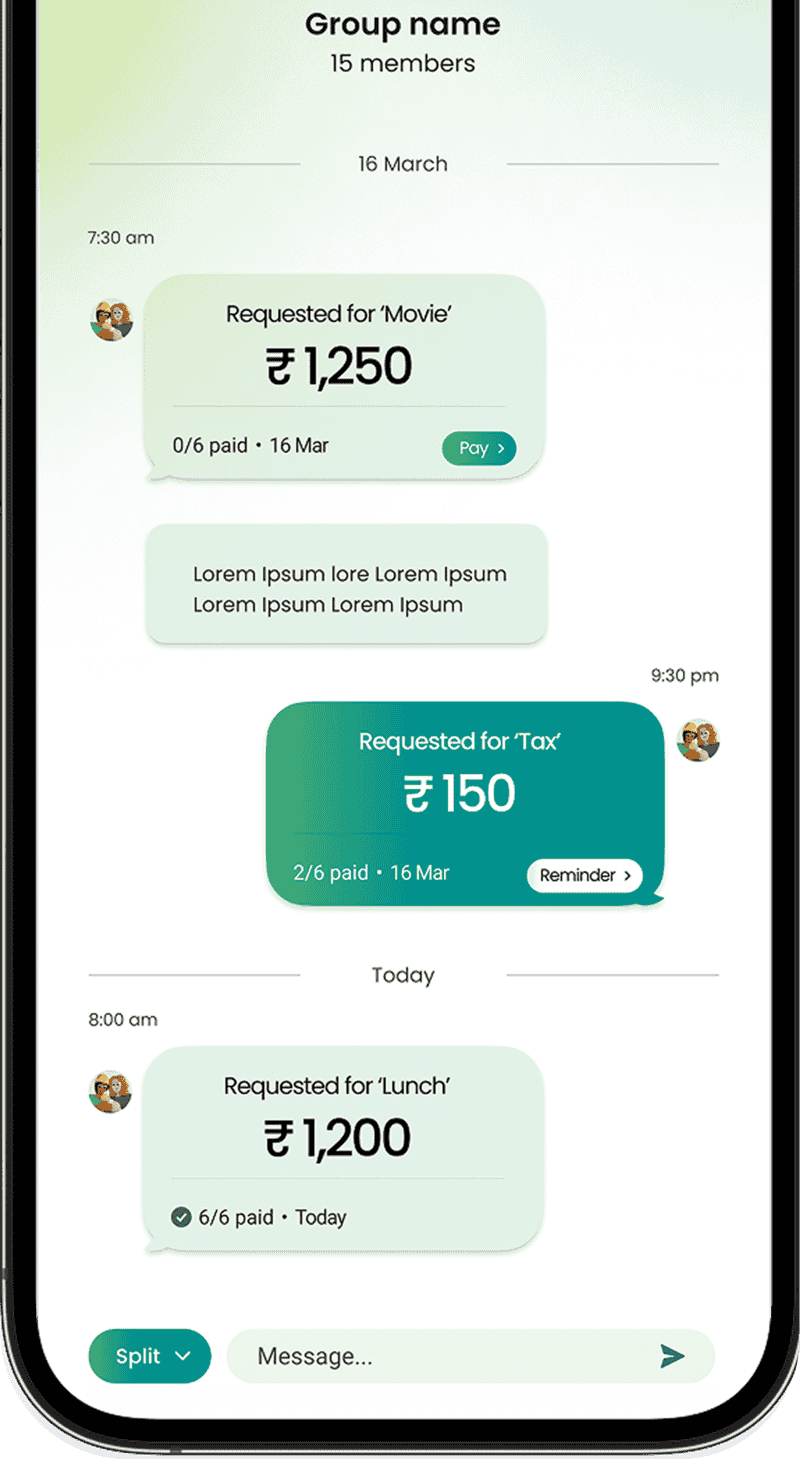
Split Expenses Smarter
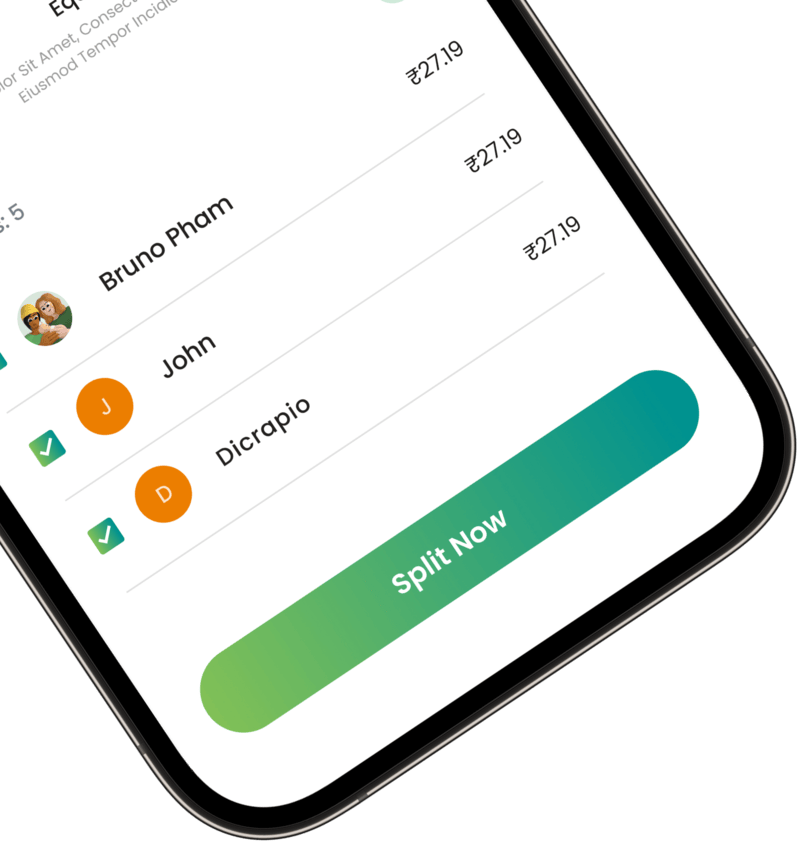
Split expenses equally or customize payments between group members with full transparency.
Add & manage expenses
Equal or custom split
Shared expense summary
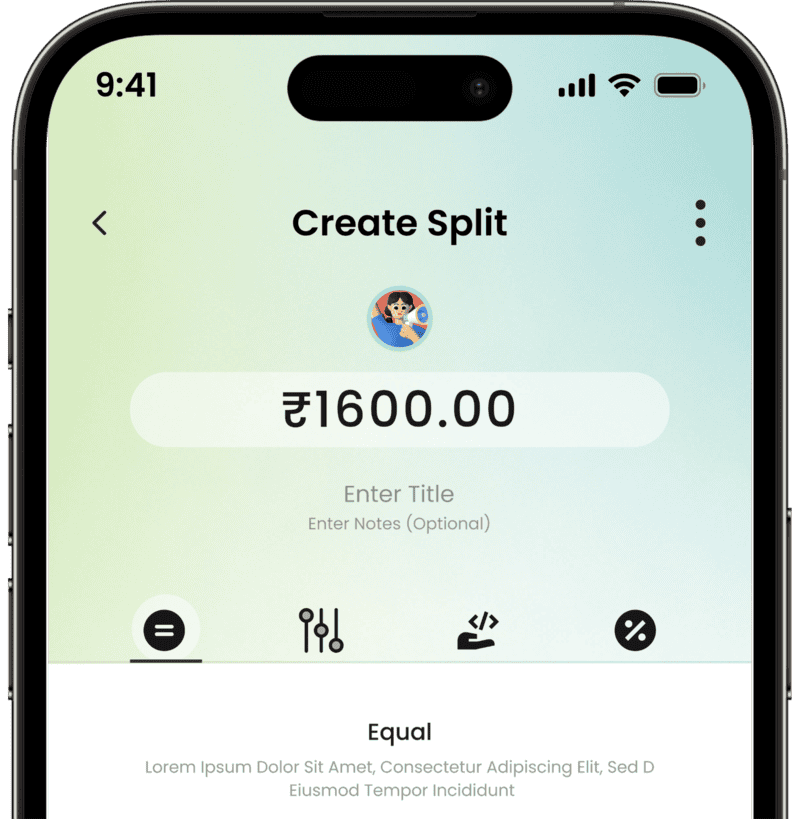
Real-Time Notifications
Get instant updates for expenses, payments, and group activities.
Expense alerts
Payment reminders
Push notifications
Frequently Asked Questions
Got questions? We've got answers. If you have some other questions, feel free to contact us.
It helps users create groups, manage shared expenses, and split bills in a simple and transparent way.
Yes, you can create multiple groups for different purposes like trips, roommates, or teams and manage them easily.
You can split expenses equally among members or customize the split based on individual contributions.
Yes, the platform includes secure login options like OTP, social login or traditional login with email and password.
Yes, you get real-time alerts for expenses, payments, and group activities.